
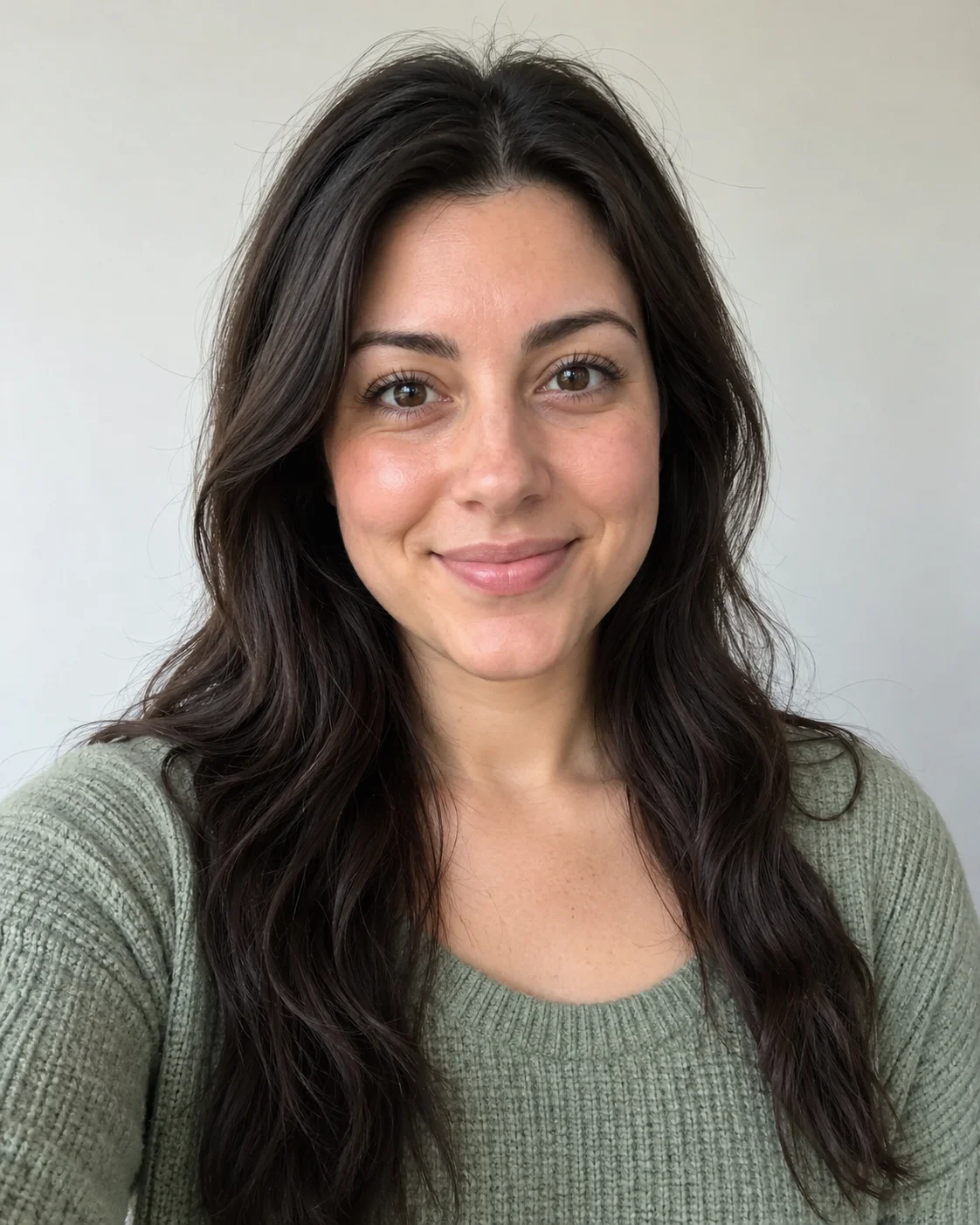
 Prefer
One clearly visible person
One consenting adult, face easy to recognize, hair and upper body in frame.
58TH FLOOR / FIELD GUIDE
Choose sharp, well-lit portraits for both roles. Learn why framing, visible facial features and Photo B’s close-up matter.
Compare photo choicesQuick answer
Use two separate portraits with one clear adult in each. Keep the eyes, mouth, hair and shoulders visible. Photo B receives a solo close-up, so inspect that image especially carefully. Strong references help the model, but they do not guarantee perfect likeness in every frame.
Explore the studioA takes the left role. B takes the right role and the solo close-up.
PORTRAIT DECISION GUIDE
These diagrams explain what to look for in each portrait. They are not AI-generated before-and-after results.
PreferOne consenting adult, face easy to recognize, hair and upper body in frame.
A distant subject leaves fewer visible facial details; consider a permitted closer crop.
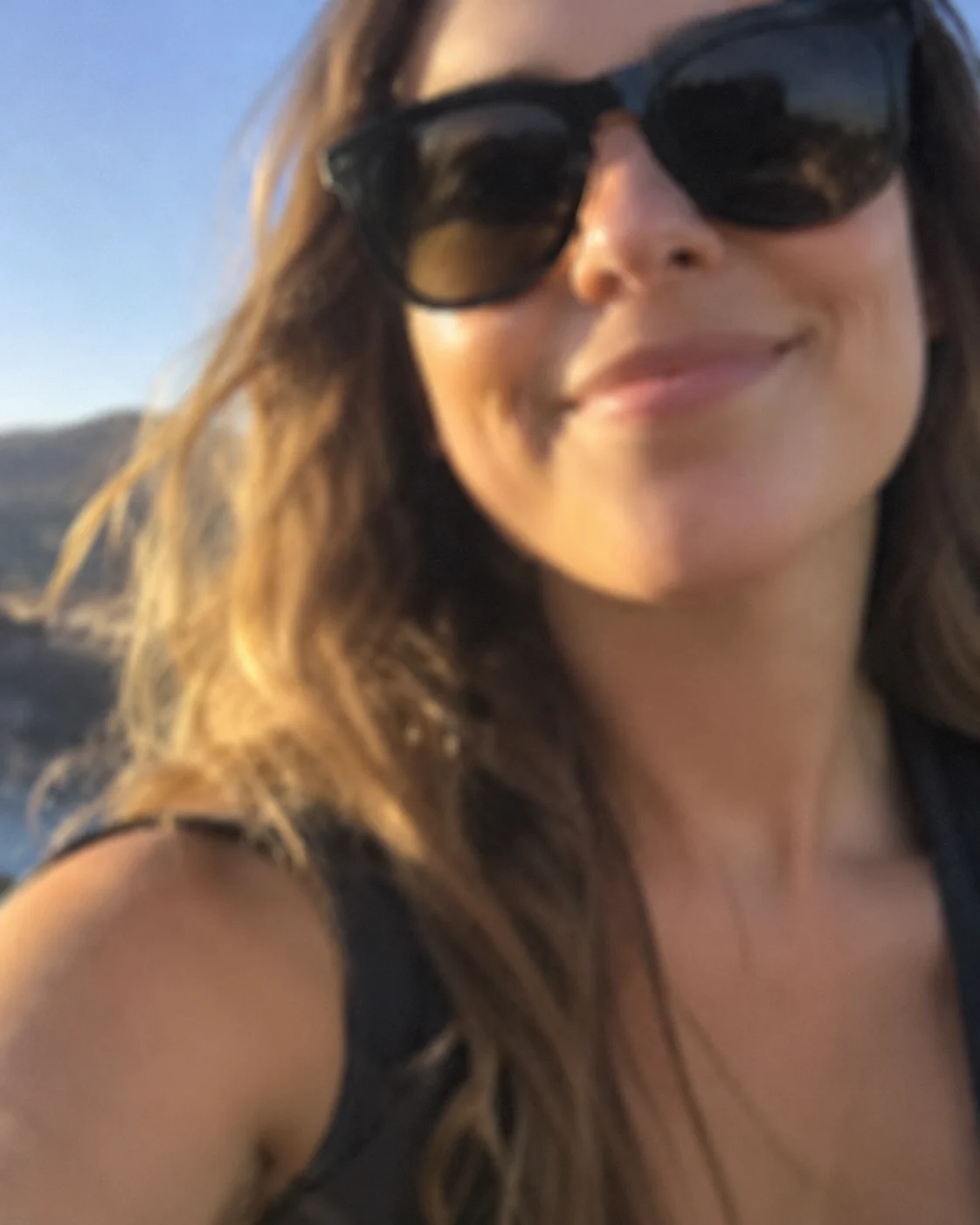 Check before uploading
Opaque sunglasses, masks, hands or strong filters hide identity cues.
Several faces in one image make a single role ambiguous. Crop each person separately.
These diagrams explain photo selection. They are not measured before-and-after tests; a clear portrait cannot guarantee identity consistency in every frame.
PHOTO / MOTION / TASK
Do not buy another generation before distinguishing input-image problems from AI motion limitations or task errors.
| What you notice | Likely category | What to do next |
|---|---|---|
| The face looks wrong from the first clear frame. | The original face may be unclear, distant or one of several faces; this is a possible input-reference issue. | Review the selected photo. A sharper permitted single-person portrait may be worth trying on a new task. |
| The face changes during a turn, gesture or shot change. | Temporal identity consistency and partial occlusion in generated video. | Review the full clip first. A new photo cannot guarantee removal of motion-related artifacts. |
| The task fails, the result will not play, or the purchase is missing. | Task, playback or billing failure; not a portrait-quality diagnosis. | Check the existing task and your purchased credits. Use the published support/refund process before retrying. |
A two-person result does not mean a two-person input picture. Choose a separate portrait for A and B so each slot has one obvious subject. If starting with a group picture, make two separate crops with permission.
After cropping, zoom in. If the face has become blurry or very small, find another source. A large image file can still contain a tiny face with little useful detail.
Use soft daylight or even indoor lighting. Check that both eyes, the nose, mouth and outline of the face are distinguishable. Avoid masks, opaque sunglasses, hands across the face and aggressive beauty filters.
You do not need to imitate the teal studio lighting in your source photos. The reference supplies the setting and light. Natural skin detail is more useful than a strong color effect.
A sharp upper-body portrait is a useful balance: the face is large enough to identify, while hair, neck, shoulders and visible clothing provide appearance cues. Do not crop tightly through the chin or the top of the hair.
The wide shot shows more of the body than many portraits include. Unseen clothing must be generated, so do not expect a headshot to reproduce exact trousers or shoes. A wider photo can supply more outfit detail if the face is still clear.
B is the person on the right and the subject of the solo close-up. Small issues in that portrait become easier to notice when the face fills the frame. Check focus, eye visibility and whether the hairstyle is fully shown.
A photo’s expression is not the final performance. A neutral portrait can follow an expressive reference; the goal is to keep the person’s identity while the eyes, eyebrows and mouth change with the original role.
If a face looks wrong from the first clear shot, review the selected portrait and role assignment. If it changes only during a fast turn or a hand crossing the face, the issue may be generated motion or occlusion.
A sharper photo may help identity guidance, but it cannot guarantee the removal of temporal artifacts. Review the whole clip and identify the problem before paying for another take.
FAQ
The preset is designed around two distinct performers. Use a separate portrait of each intended person for the clearest role assignment.
No. Wedding outfits identify the people in our selected reference, not a clothing requirement. The uploaded photos guide your performers’ visible clothing.
No. The reference supplies the studio; the photo backgrounds are ignored.
58th Floor AI
58th Floor AI is an independent creative tool. Use photos with permission and review your result before sharing.
Explore the studioIf payment or delivery needs attention, use the support details and published refund policy.